

Change how documents are numbered
Last updated · InvoiceStamp 1.1.0 for iPhone and Android
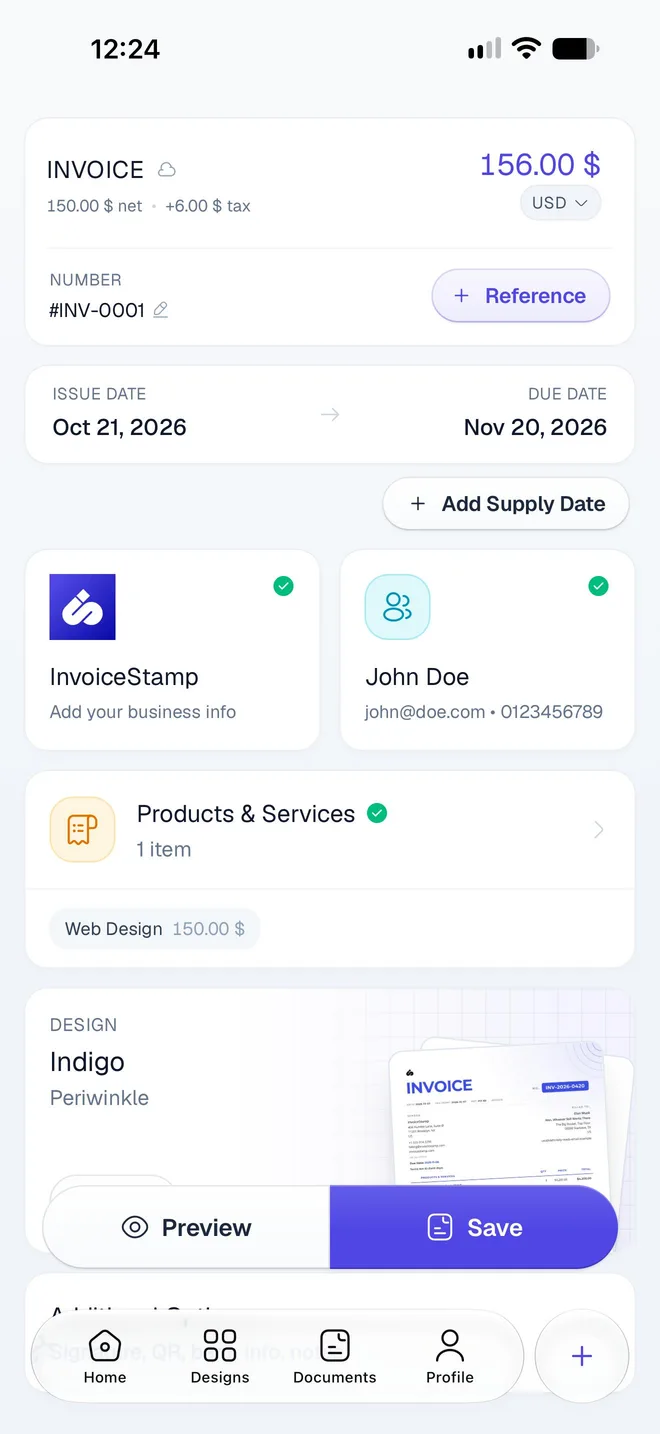
Each document type has its own numbering: invoices start at INV-0001, quotations at QUO-0001 and sale orders at SO-0001. To change it, go to Profile → Document Numbering, or tap the pencil next to the number in the editor. Set a Prefix, the Next #, a Suffix and the Number Length, then tap Save.
How do I change the numbering?
Tap Profile → Document Numbering (Prefix & counter for each type). In the editor, the pencil next to Number opens the same screen.
Choose the type at the top: Quotation, Sale Order or Invoice.
Change any of the four settings. The line Next invoice will be number: shows the result as you type.
Tap Save. It becomes available once you've changed something.
What does each setting do?
| Setting | What it does | Default | Example |
|---|---|---|---|
| Prefix | Text before the number, up to 32 characters | INV-, QUO-, SO- | 2026- gives 2026-0001 |
| Next # | The number the next document gets, from 1 to 1,000,000,000 | 1 | 120 gives INV-0120 |
| Suffix | Text after the number, up to 32 characters | none | -EU gives INV-0001-EU |
| Number Length | How many digits, padded with zeros: 3 to 8 | 4 digits | 6 digits gives INV-000001 |
Numbers go up by one with each document you save.
Moving from another app?
Set Next # to the number after your last invoice there, so your numbering carries on without a gap or a repeat.
Which documents does a change affect?
- New documents of that type get the new numbering.
- A new document you haven't saved yet of the same type is renumbered straight away.
- Saved documents keep their numbers. When the document in the editor is already saved, the screen reminds you: "This invoice is already saved as INV-0001. Your edits will only apply to the next invoice."
Why is a number skipped?
Every document number is unique in your account, and a number is never given out twice:
- A deleted document's number isn't reused. If you delete INV-0007, the next invoice is still INV-0008. Gaps in your numbering are normal.
- A number that's taken is skipped. If Next # points at a number you've already used, InvoiceStamp moves on to the next free one when you save.
The number shown on a new document is a preview: the final number is given when you save, so it can move on if you saved another document of the same type in the meantime, on another device for example.
Related guides
Was this page helpful?
Choose a design and color
Browse InvoiceStamp's invoice designs, search and favorite them, preview their sample pages and styles, pick an accent color, and use one for your documents.
Set your default currency
Choose the currency your new InvoiceStamp documents start in, from 152 currencies, and learn why you set it again on your phone after you sign out.