

Quotation, sale order or invoice: which to send
Last updated · InvoiceStamp 1.1.0 for iPhone and Android
Send a quotation before the work is agreed, so the client sees the price. Send a sale order once they say yes, to confirm what you'll deliver and for how much. Send an invoice to get paid: it's the only one of the three you can record payments on. InvoiceStamp makes all three with the same editor.
How do the three documents differ?
| Quotation | Sale order | Invoice | |
|---|---|---|---|
| What it tells the client | What the job would cost | What you've both agreed | What they owe you |
| When to send it | Before the client agrees | After they accept, before you deliver | When the work is done or payment is due |
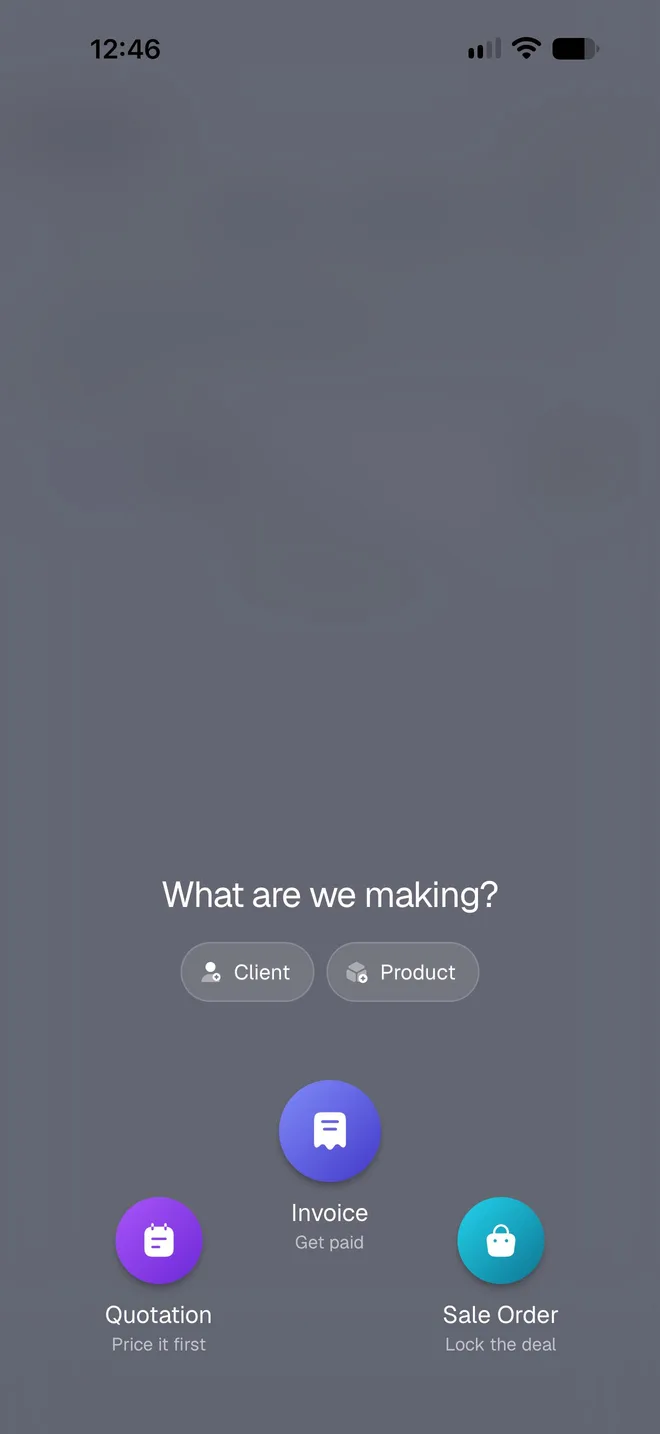
| In the + menu | Quotation (Price it first) | Sale Order (Lock the deal) | Invoice (Get paid) |
| First number, by default | QUO-0001 | SO-0001 | INV-0001 |
| Payments | No | No | Full or partial, with Unpaid, Partial and Paid |
| Home screen total | Total Quoted | Total Sale Orders | Total Invoiced |
Each type keeps its own numbering, so your quotations, sale orders and invoices each count up on their own. You can change the prefix and the next number in Document numbering.
How do I make each one?
Tap the round + button at the right of the tab bar.
Tap Quotation, Invoice or Sale Order. The editor opens on a new, numbered document of that type.
The editor is the same for all three: business, client, , design and the optional extras. Only the document's name changes, on the editor's header, the Save button in the preview and the PDF. Every type has an and a ; on a quotation, you can set the due date to the day your offer ends. See Fill in a document.
Can I turn a quotation into an invoice?
Not automatically. In InvoiceStamp 1.1.0, each document stands on its own, and a document's type can't be changed once it's saved. When a client accepts a quotation:
Tap + and choose Sale Order or Invoice.
Pick the same client from your saved clients, and add the same products from Add products. Saved clients and products make this a few taps.
Tap and type the quotation's number, such as QUO-0001, so your client can match the two documents.
Which document do I record a payment on?
Only on an invoice. Open it in Documents and tap Payment to mark it paid in full or in part. Quotations and sale orders have no payment row and no paid or unpaid status. See Record a payment.
Related guides
Was this page helpful?
Documents
Make invoices, quotations and sale orders in one editor, add line items with tax and discounts, share the PDF, and find and manage what you've saved.
Fill in a document, section by section
Every part of the InvoiceStamp editor, top to bottom. Number and reference, dates, your business, the client, items, design and extras, then saving your work.